
How to find the name of the song in a dance video
What's the song in this bachata or salsa video? Check the post, use Shazam or Music Recognition, search a lyric, or ask the DJ. What to do when nothing works.
 Costi Mihai4 min read
On this page
To find the song in a dance video, first check the post: the caption, the comments and the audio label on the Reel or TikTok. If it isn't there, play the video out loud and use Shazam or your phone's music recognition on its clearest part. Still nothing? Search a lyric you can hear, or ask the dancers or the DJ.
At socials the song is often a DJ's remix or a bachata version of a pop song, so the usual tools need a little help. Here's the order that works best.
Is the song name already in the post?
Look before you listen:
- The audio label. On Instagram Reels and TikTok, the audio is named at the bottom of the video. Tap it. If it names a song, you're done. If it says "original audio", the poster used the sound from their phone, and the song isn't labelled.
- The caption. Dancers and teachers often write the song and the artist, sometimes after a music note emoji.
- The comments. Someone has usually asked already. Search the comments for "song" or "name".
- The YouTube description. Many dance channels list the song in the description. Some videos also have a music section there.
How do you use Shazam on a dance video?
Music recognition apps listen to a few seconds of a song and match it against a huge catalogue.
- Play the video out loud on one device, at a good volume: a laptop, a tablet, or your phone with the sound up.
- Listen with a second phone. Use the Shazam app on iPhone or Android, or on iPhone the Music Recognition button in Control Center.
- Pick the right moment. Choose the part where the music is loudest and clearest, with no one talking near the camera. A chorus or the start of a phrase works better than a quiet bridge.
- Try a few places if the first one fails. Noise and cheering change from second to second.
What if Shazam can't find it?
Social dance videos are hard for recognition apps. The phone recorded a loud room, the bass distorted and people were talking. (If you want to know why, read why social dance videos sound so bad.) Try these:
- Search a lyric. If you can hear a line of the words, type it into a search engine in quotes. For Spanish songs, type it as you hear it: search engines are good at fixing spelling.
- Hum it. Google lets you hum, whistle or sing a tune to search for it. Open the Google app, tap the microphone and ask "what's this song?" (Google's hum to search).
- Look for remixes and covers. If the recognition app suggests a song that sounds close but not quite right, the DJ may have played a remix, or a bachata version of a pop song. Search the song's name plus "bachata remix" or "bachata version".
- Ask the people who were there. The dancers in the video, the person who posted it, or the DJ. Many DJs share their sets or playlists after an event, and festival pages often credit their DJs, so you know whom to ask.
- Ask a scene group. Local dance groups and dance subreddits are full of people who love naming songs.
How does ABCDancer find the song?
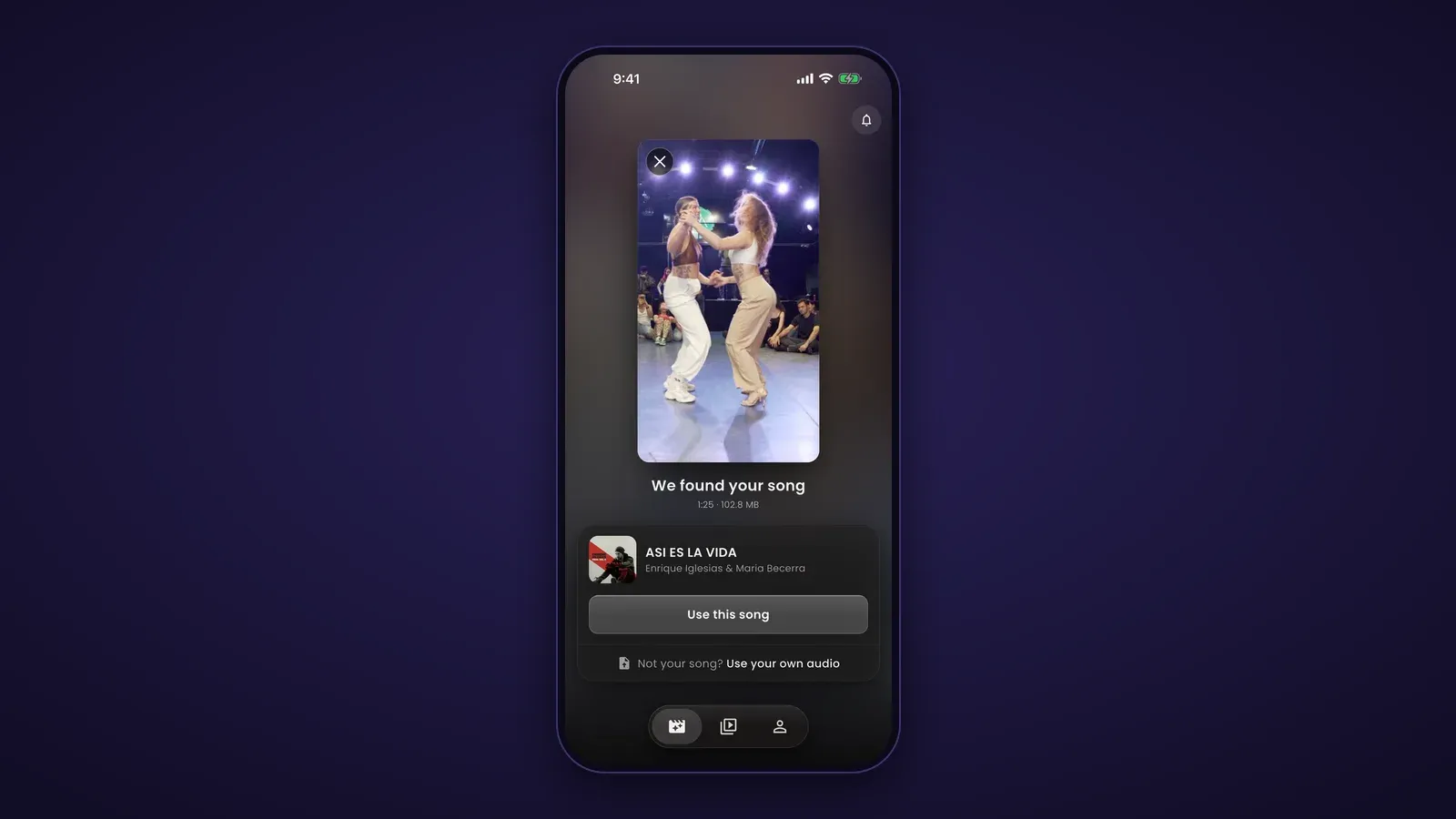
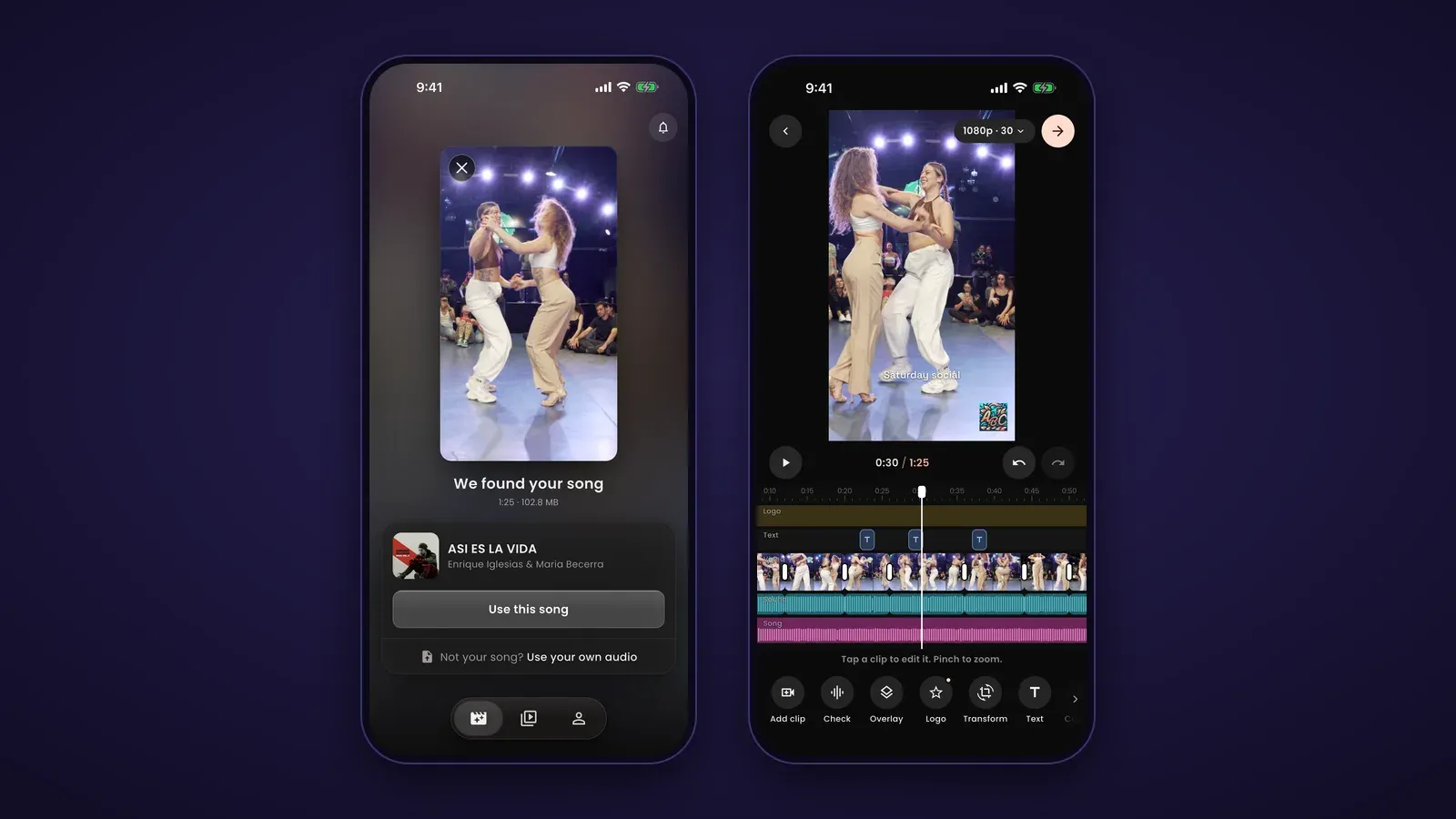
If the video is on your phone, open it in ABCDancer. The app listens to the video and shows you the song it found, with the artist and the cover. That's how it starts fixing the sound: once it knows the song, it lines a clean recording of it up under your dance. If it finds the wrong song, tap Use your own audio to use a file you have instead. More in how to fix the sound on a social dance video.

What doesn't work?
- Live bands. A live salsa band plays its own version. Recognition apps may find the original song, or nothing. Ask the band or the organiser for the setlist.
- DJ edits and mashups. If the DJ made their own edit, no app will name it exactly. You may find the original song, and only the DJ knows the edit.
- Very short clips. Three seconds of noise is rarely enough. Find a longer version of the video if there is one.
- Brand new or unreleased songs. Some songs aren't in any catalogue yet. Ask the DJ.
Frequently asked questions
Why can't Shazam find the song in my dance video?
The sound is usually too noisy, or the DJ played a remix or their own edit. Try the loudest clear part of the song, with no talking over it, or search for a remix or bachata version of the song it suggests.
How do I find a song on Instagram Reels?
Tap the audio name at the bottom of the Reel. If it shows a song, that's it. If it says original audio, the song isn't labelled, so use Shazam or ask in the comments.
Can I find a song by humming it?
Yes. In the Google app, tap the microphone, ask "what's this song?" and hum, whistle or sing the tune for a few seconds.
How do I find the song from a video on my own phone?
Play the video out loud on your phone or a laptop and use Shazam or Music Recognition on a second phone. Or open the video in ABCDancer, which listens to it and shows you the song it found.
Related: How to fix the sound on a social dance video · Why did Instagram mute my dance video? · What's new in ABCDancer 3.0
Free to try. Get ABCDancer on the App Store or Google Play.

More from the blog
More from the blog
How to fix the sound on a social dance video
Why social dance videos sound bad, and how to fix it: put a clean recording of the song under your dance, line it up, and fix offset and drift.
What's new in ABCDancer 3.0
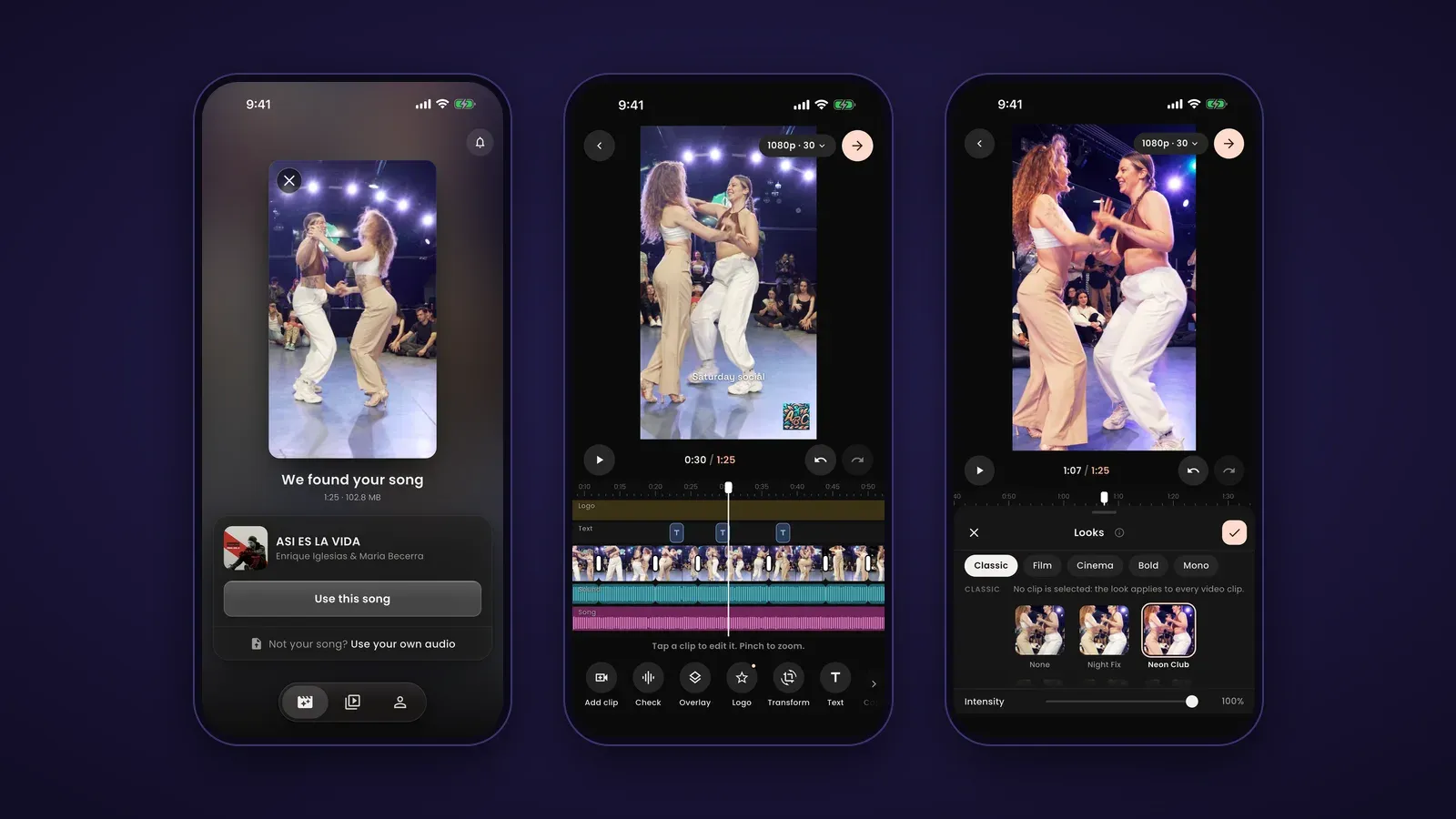
ABCDancer 3.0 changelog: the song synced to your dance, plus clips, transitions, looks, keyframes, lyrics with English, two camera angles, AI edit and 4K saves.
Why did Instagram mute my dance video?
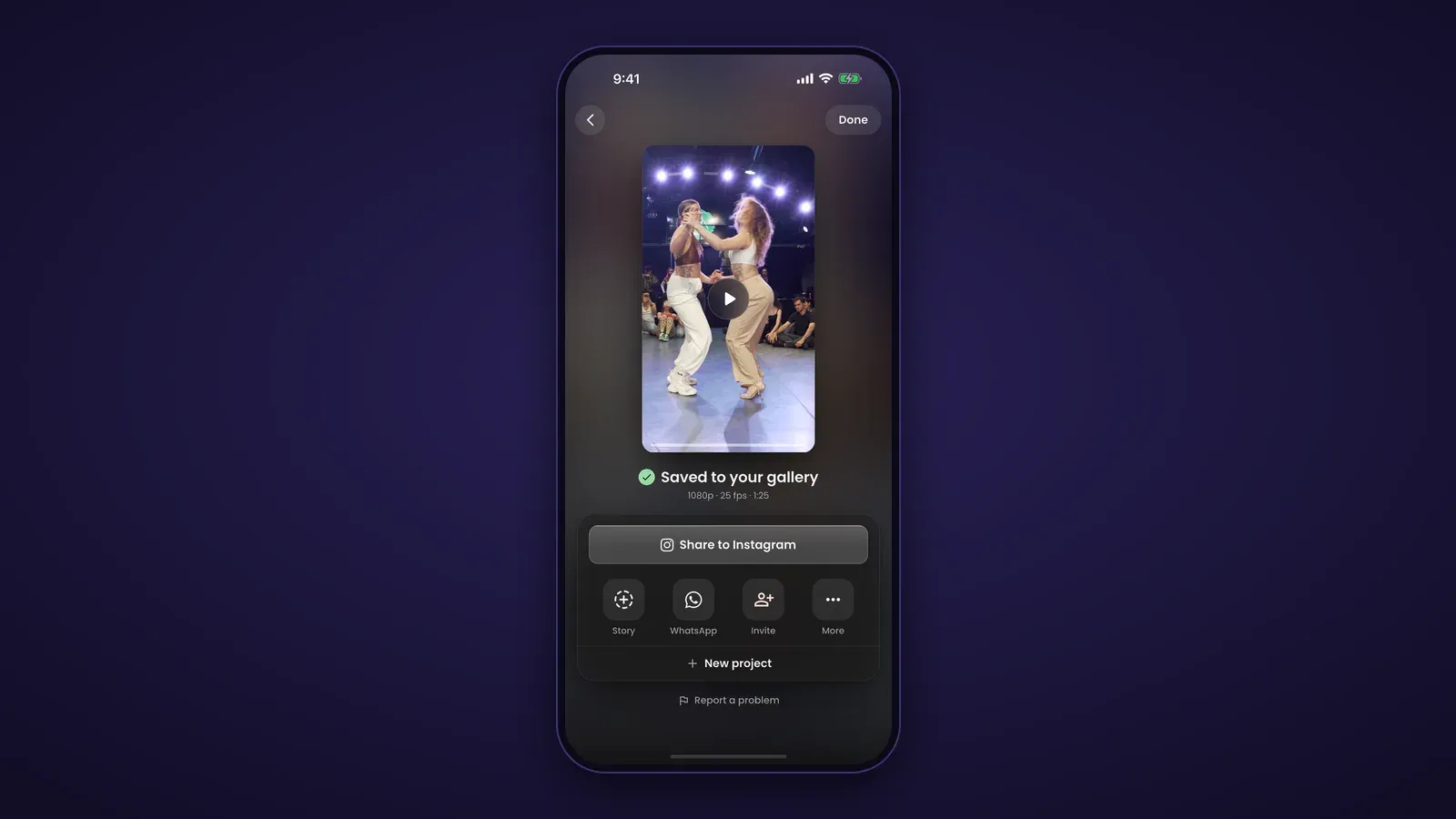
Instagram mutes dance videos when it recognises recorded music it can't let you use that way. Why it happens, and what you can do about it.
Put the real song under your dance.
ABCDancer finds the song in your video and lines it up on the beat.