Why did Instagram mute my dance video?
Instagram mutes dance videos when it recognises recorded music it can't let you use that way. Why it happens, and what you can do about it.
 Costi Mihai5 min read
On this page
Instagram muted your dance video because its system recognised recorded music in it that it can't let you use that way: for that song, in your country, on your account type, or for that much of the song. Dance videos hit this often because they play one full song from start to finish. You can post a shorter clip, add the song from Instagram's own music library, or appeal if you have the rights.
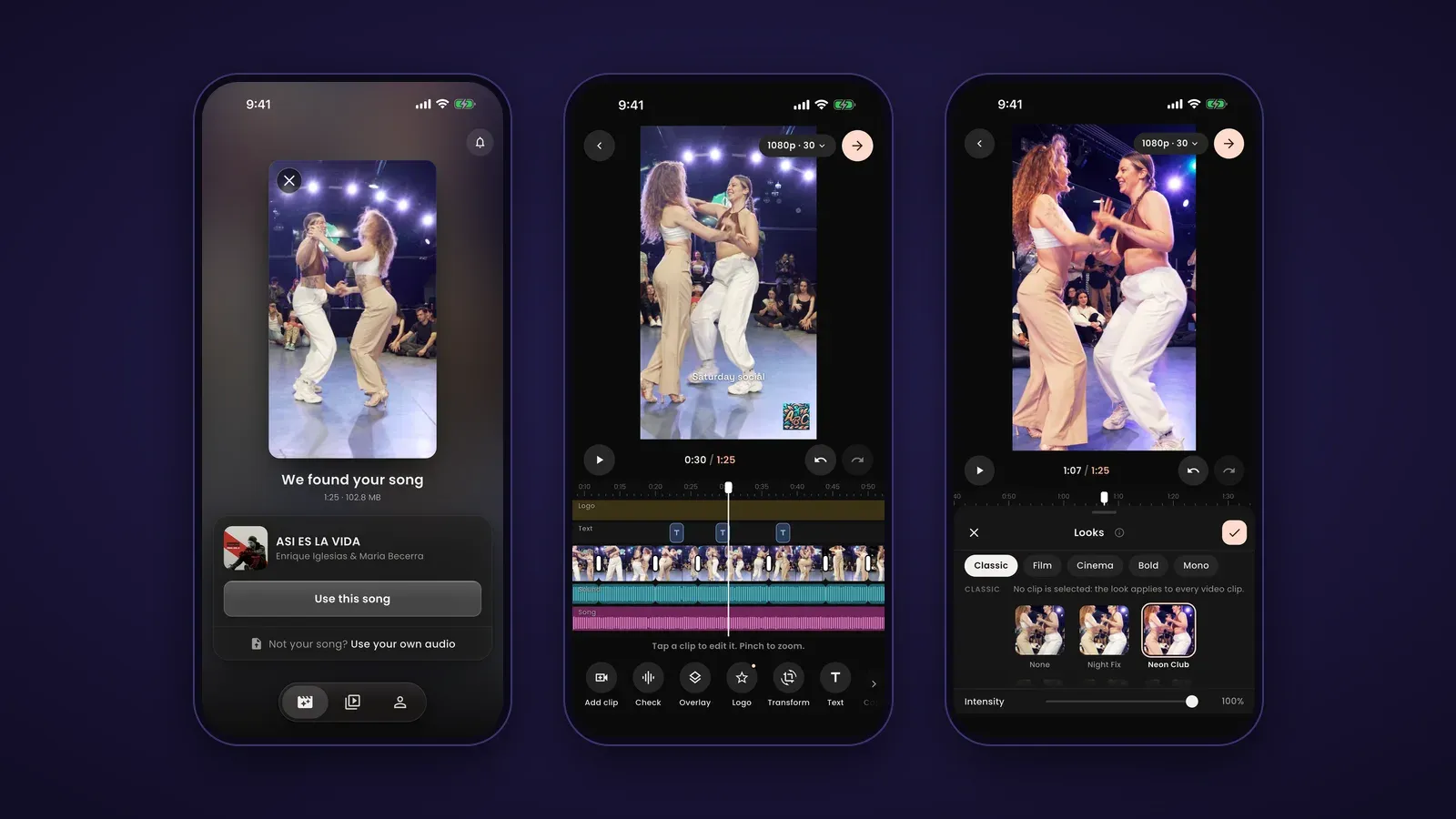
This applies whatever app you edited in. We make ABCDancer, which fixes the sound on dance videos, and a fixed video goes through the same check as any other.
Why did Instagram mute my dance video?
Instagram, like YouTube and TikTok, compares the sound of every upload against recordings that music rights holders give it. When it finds a match, the rights holder's rules decide what happens: nothing, part of the video muted, the whole sound removed, or the video blocked in some countries. YouTube explains the same idea for its own system in How Content ID works.
Instagram's own help page, How to use music in your videos on Instagram or Threads, says it wants to encourage musical expression while upholding its agreements with music rights holders. Its guidelines, first set out in Instagram's 2020 announcement, say three things dancers run into:
- The more full-length recorded songs in a video, the more likely it is to be limited. Shorter clips of music are recommended.
- There should always be a visual part to the video. The recorded music shouldn't be the main point of it. A dance video passes this one: the dancing is the point.
- Limits depend on where you are. A song can be fine in one country and muted in another.
So a two-minute social dance with one complete song is close to the worst case. It isn't about what you did wrong. It's about how much of a recorded song is in the video.
Why does it happen to dance videos so often?
- The whole song plays. Most dance videos use a song from the first beat to the last.
- It's popular music. Bachata, salsa and kizomba hits are exactly the songs rights holders track.
- Some accounts get fewer songs. On some business accounts the music library is smaller, so fewer songs can be used freely.
- The recording can be clean. A clean copy of the song, synced over your dance, is easier for the system to recognise than the same song heard through a noisy room.
That last point matters if you fixed the sound. Replacing the phone's sound with a clean recording of the song makes the video much nicer to watch, but it doesn't give you the rights to the song. Read more about fixing the sound, and what it can and can't do, in how to fix the sound on a social dance video.
What can you do about it?
- Read the notice. Instagram usually shows a message on the post that says the audio was limited. That tells you it was the music, not something else.
- Post a shorter clip. Your best minute, or the best 30 seconds, uses less of the song. This is the option most likely to work, and it often makes a better Reel anyway. In ABCDancer you can trim to the best part, or type "cut it down to the best minute" into AI edit, and the song stays in time with your dance.
- Use the song from Instagram's library. When you post a Reel, you can add music from Instagram's library. If your song is there for your account and country, turn your video's original sound down to zero, add the song, and line its start up with your dance. You lose some precision, but the song is licensed for that use.
- Check your account type. If you post from a business account and keep getting muted, a personal or creator account may have more songs available.
- Appeal if you have the rights. If you made the music, or you have permission to use it, use the option on the notice to dispute it.
- Post the full version elsewhere. Keep the full dance for a private link, a group chat with the people you danced with, or a platform where the song is allowed, and post a short clip on Instagram.
What doesn't help?
- "No copyright intended" in the caption. The check is automatic and doesn't read captions, and the note gives you no rights. DancePlug makes the same point.
- Speeding up or pitching the song. It may get past the check once, but your dance no longer matches the music, and dancers watching will notice.
- Reposting the same video again. The same audio will match again.
If you want to read more about music rights for dancers in general, STEEZY's guide to music copyright for dancers is a good start.
Frequently asked questions
Why is my Reel muted but my friend's isn't?
Music rights differ by song, by country and by account type, and the check is automatic. The same song can be fine on one account and limited on another, or allowed in one country and muted in another.
Does writing "no copyright intended" help?
No. A note in the caption doesn't give you the right to use the music, and it doesn't stop the automatic check.
Will a clean copy of the song get muted more often than the phone's sound?
It can. A clean recording is easier to recognise than a song heard through a noisy room. Fixing the sound makes the video better to watch; it doesn't change the music rights.
Can I add the song from Instagram's library to my dance video?
Yes, if the song is in the library for your account and country. Turn your original sound down, add the song when you post, and line it up with the start of your dance.
Are Stories treated differently from Reels?
Instagram has said its guidelines on recorded music cover recorded video and live video, and that it has no stated limits on music in Stories. In practice Stories can still be limited, so don't count on it.
Related: How to fix the sound on a social dance video · How to find the name of the song in a dance video · What's new in ABCDancer 3.0
Free to try. Get ABCDancer on the App Store or Google Play.

More from the blog
More from the blog
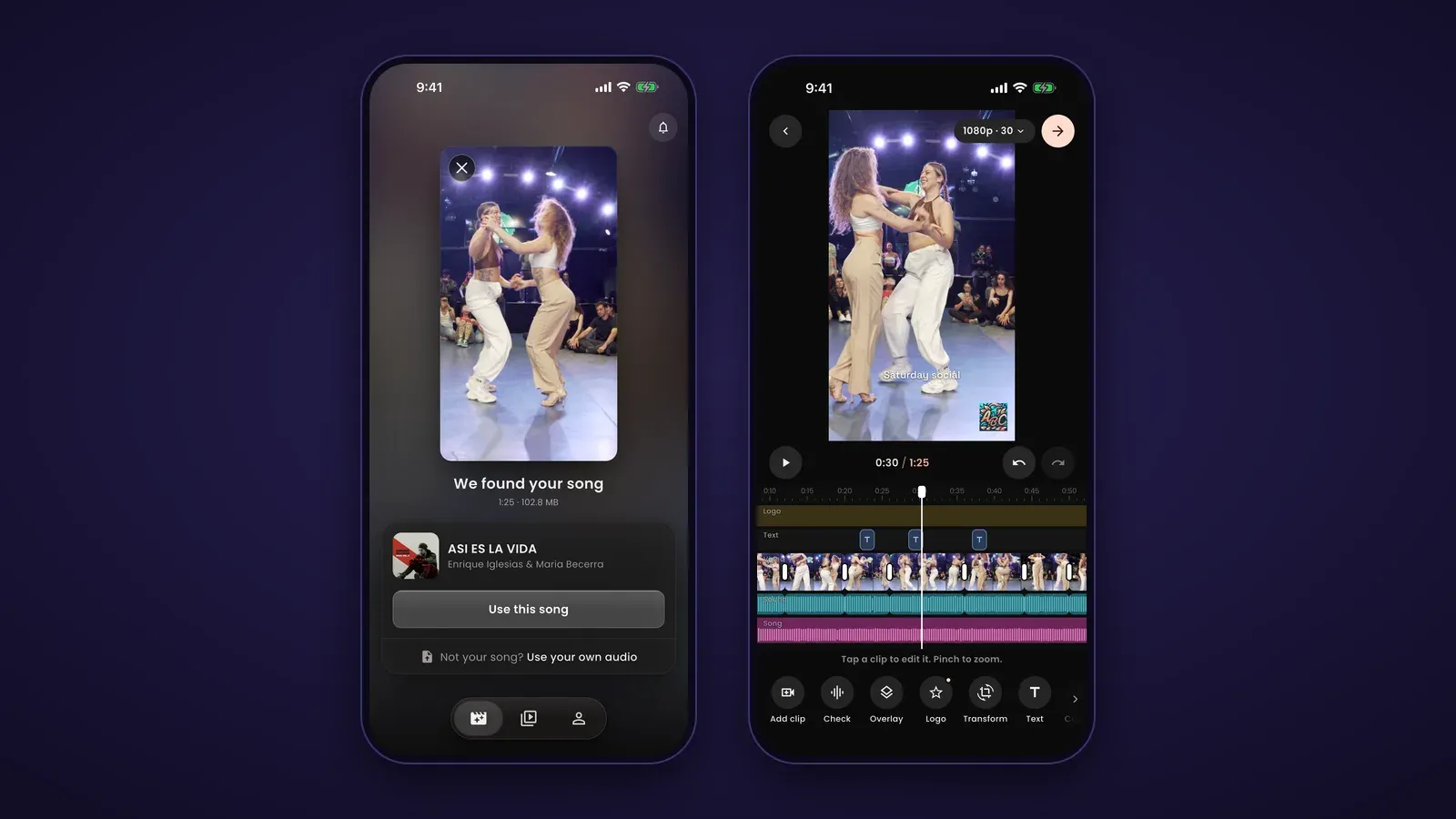
How to fix the sound on a social dance video
Why social dance videos sound bad, and how to fix it: put a clean recording of the song under your dance, line it up, and fix offset and drift.
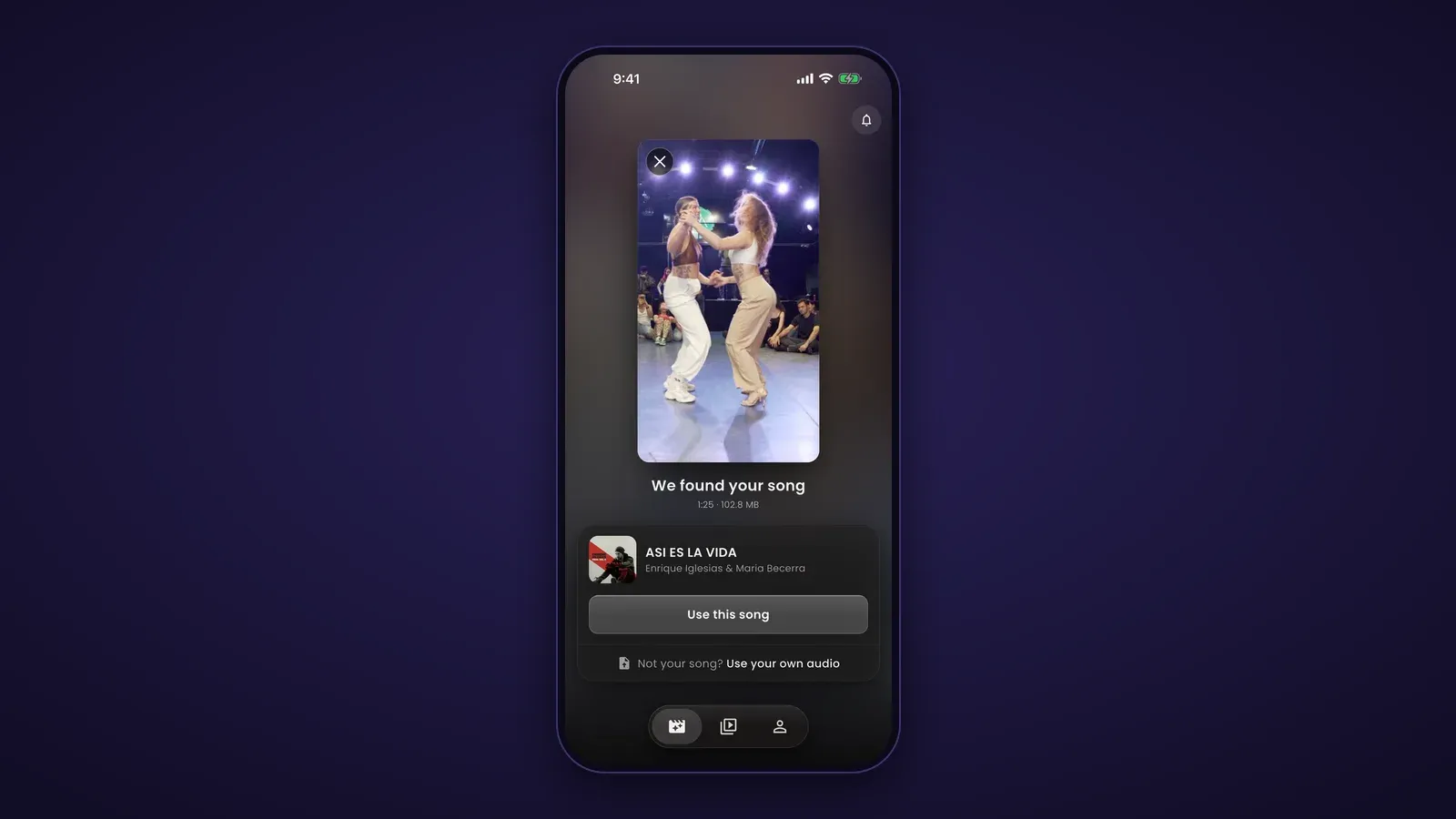
How to find the name of the song in a dance video
What's the song in this bachata or salsa video? Check the post, use Shazam or Music Recognition, search a lyric, or ask the DJ. What to do when nothing works.
What's new in ABCDancer 3.0
ABCDancer 3.0 changelog: the song synced to your dance, plus clips, transitions, looks, keyframes, lyrics with English, two camera angles, AI edit and 4K saves.
Put the real song under your dance.
ABCDancer finds the song in your video and lines it up on the beat.