
How to fix the sound on a social dance video
Why social dance videos sound bad, and how to fix it: put a clean recording of the song under your dance, line it up, and fix offset and drift.
 Costi Mihai8 min read
On this page
- Why do social dance videos sound so bad?
- Can you get better sound while filming?
- What are your options after filming?
- How do you replace the sound with the song by hand?
- Why is the music out of sync with my dance video?
- How does ABCDancer fix it for you?
- What doesn't work?
- Will Instagram mute my video after I fix the sound?
- Frequently asked questions
Your dance video sounds bad because a phone microphone records the room: loud bass that distorts, echo, and people talking. The fix that works is to put a clean recording of the same song under your video and line it up exactly with your dance, by hand in any editor or automatically in an app like ABCDancer. If it slips out of time, fix the offset or the tempo.
We make ABCDancer, an app that does this for you: 3,000 dancers have fixed the sound on more than 50,000 videos with it. This guide works without the app too: everything below can be done by hand.
Why do social dance videos sound so bad?
A social is about the worst place to record music on a phone.
The bass is too loud for the microphone. Phone microphones are built for voices at talking distance. A dance floor sound system pushes far more low end than that, so the recording clips: the bass turns into a buzz and the whole song sounds crushed. The closer you stand to a speaker, the worse it gets.
The room echoes. Ballrooms, studios and halls have hard walls, mirrors and wooden floors. Every beat bounces back, so the phone hears the music several times over, smeared together. Your ears filter that out in the room. The microphone doesn't.
People are closer than the speakers. The person filming, the couple next to you and the friend cheering are a metre from the phone. The speakers are ten metres away. So the voices are loud and clear and the music is in the background.
The phone is moving. Fingers rub over the microphone, the phone gets passed around, and outdoors the wind hits it. Each of those adds thumps and rumble.
None of this is your fault, and a newer phone helps only a little. The room is the problem.
Can you get better sound while filming?
A little. These help, but they don't fix a loud room:
- Don't stand right in front of a speaker. Find a spot where the music is clear but not painfully loud, and away from the people chatting at the edge of the floor.
- For a filmed event, record the music at the source. People who film dance events record the music straight from the mixing board and use a separate microphone for the room (David Millstone's notes on videotaping dances). At a social you can't do that, but at a showcase you can ask the DJ or the sound person.
- Keep your fingers off the microphone. On most phones it is at the bottom edge.
- Don't talk while you film. The filmer's voice is always the loudest thing in the recording.
- Start recording before the dance starts. A few seconds of the song before the first step makes it much easier to line up a clean copy later.
- Turn on airplane mode or Do Not Disturb so a call or a notification doesn't interrupt the recording.
Even with all of these, the recording will sound like a phone in a loud room. That's why most dancers fix it afterwards.
What are your options after filming?
- Leave it. Fine for a quick Story. Not great for a video you want people to watch twice.
- Clean it up with noise reduction. Audio cleanup tools can lower steady hum and some chatter. They can't rebuild bass that already distorted, and they often make the music sound watery.
- Replace the sound with the song, in sync. Mute the phone's sound and put a clean recording of the same song under the video, lined up so every beat lands where it did on the floor. This is the fix that sounds best.
- Mix the two. Put the clean song on top and keep a little of the original sound underneath, so you still hear the cheers and the room.
The rest of this guide is about option 3, and option 4 on top of it.
How do you replace the sound with the song by hand?
You need the song as an audio file you are allowed to use, and any editor with more than one audio track (CapCut, a desktop editor, and so on). Not sure what the song is? See how to find the name of the song in a dance video.
- Import the video and add the song on a second audio track.
- Find a landmark you can hear in both: the first beat after a break, a drum hit, a vocal line that starts on its own. The start of the song is often easiest.
- Move the song until that landmark lines up with the same moment in your video's sound. Use the waveforms: the peaks of a hit look alike in both tracks.
- Zoom in and nudge it a frame at a time. Play both together. If you hear a flam or an echo, they are still a few hundredths of a second apart.
- Check the middle and the end, not just the start. If the song is in time at the start but late by the end, read the next section.
- Turn the phone's sound down to zero, or to a low level if you want to keep some of the room.
- Export and watch it once on your phone with headphones, looking at the feet. Steps that land on the beat are the real test.
Done carefully, this takes a while for each video, and most of that time goes on steps 3 to 5.
Why is the music out of sync with my dance video?
There are two different problems, and they need different fixes.
Offset: the whole song is early or late
The song is the same distance off from start to end. Every step looks a little before or after the beat by the same amount. This is a lining-up mistake, and the fix is to slide the whole song earlier or later until a landmark matches. Even a small offset shows: dancers notice when a hit lands a moment after the body does.
Drift: it starts right and slowly slides off
The start is perfect, but by the end the song is ahead of or behind the dance. Common causes:
- The DJ played a different version. A radio edit, an extended version, a remix or a live recording of the same song have different lengths and sometimes different tempos.
- The DJ changed the speed. DJs often play a song a bit faster or slower than the original. Your copy then runs at the wrong tempo for the whole video.
- You cut the video but not the song. Trimming a stumble out of the middle of the video moves everything after it. The song has to be cut at the same place.
- Your phone recorded with a changing frame rate. Some phones lower the frame rate in dark rooms, and some editors handle that badly, so sound and picture slowly separate. Exporting the clip again before editing usually fixes it.
To fix drift: match the tempo (most editors have a speed setting for audio), use the version the DJ played, or line the song up again in sections after each cut.
How does ABCDancer fix it for you?
ABCDancer does the steps above automatically.
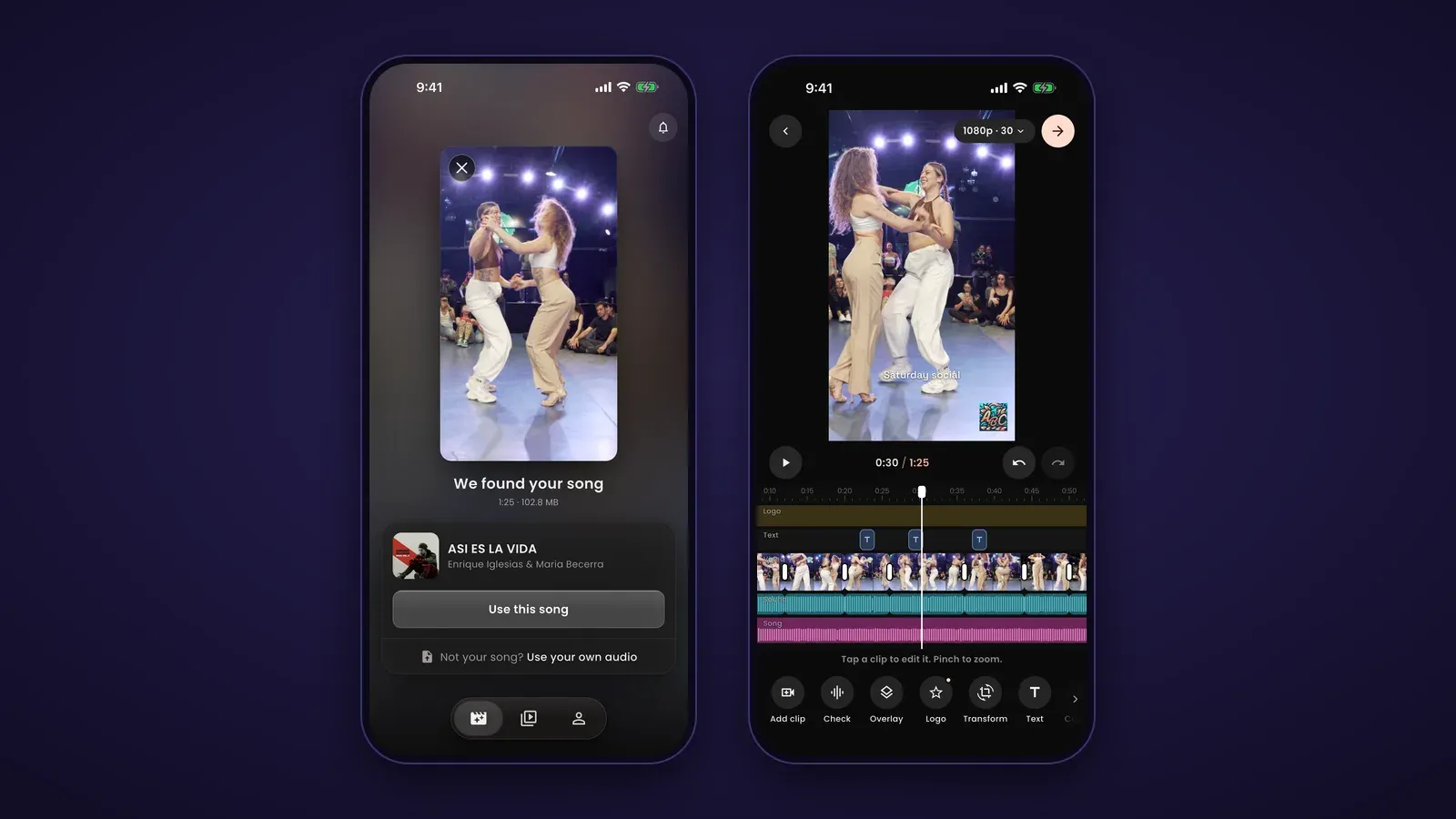
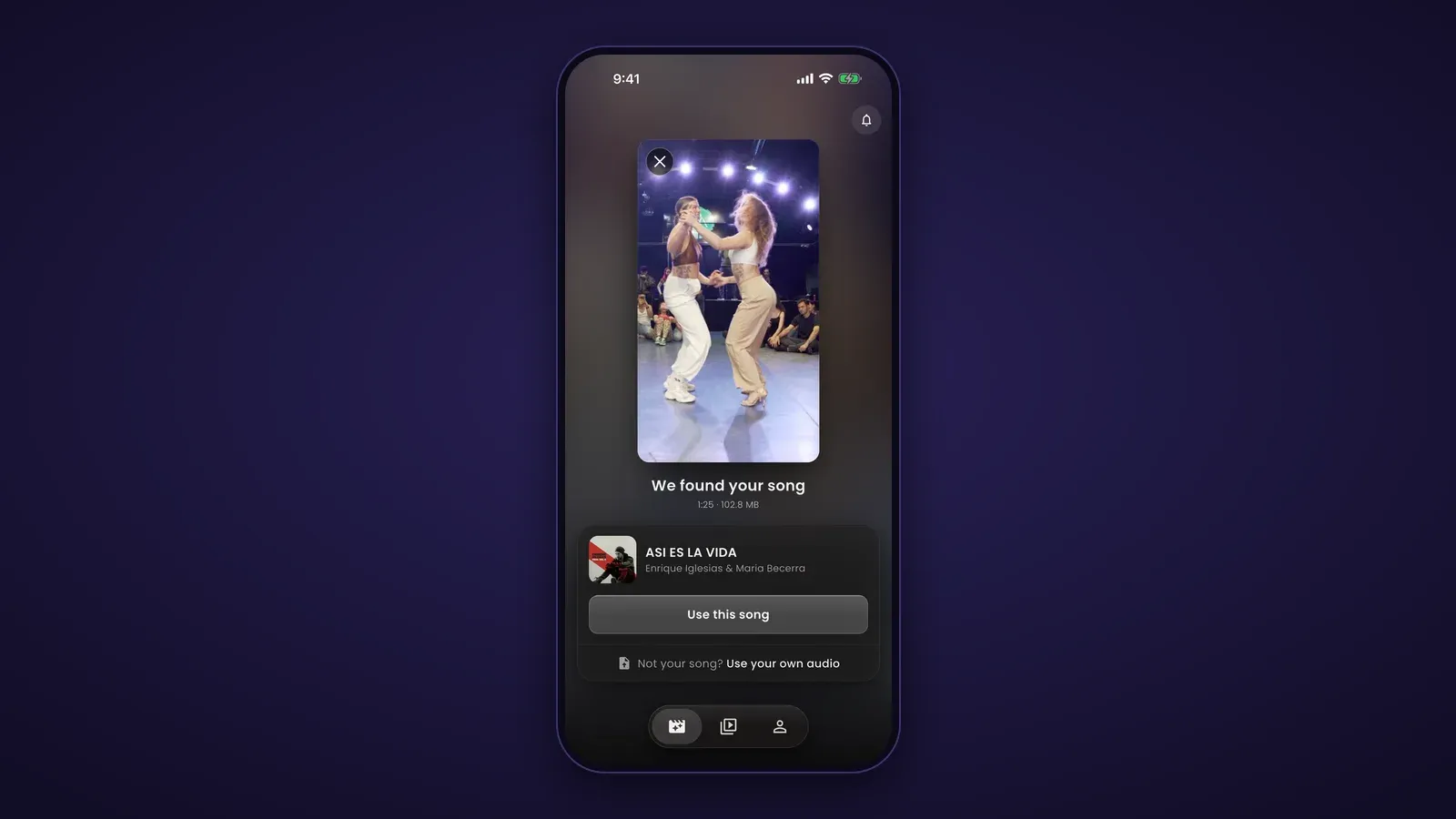
- Pick your video. The app listens to it and shows you the song it found, with the artist.
- Tap Use this song. ABCDancer lines a clean recording of the song up with your video, at the point where your phone heard it. Not your song? Tap Use your own audio and pick an MP3 or WAV file instead.
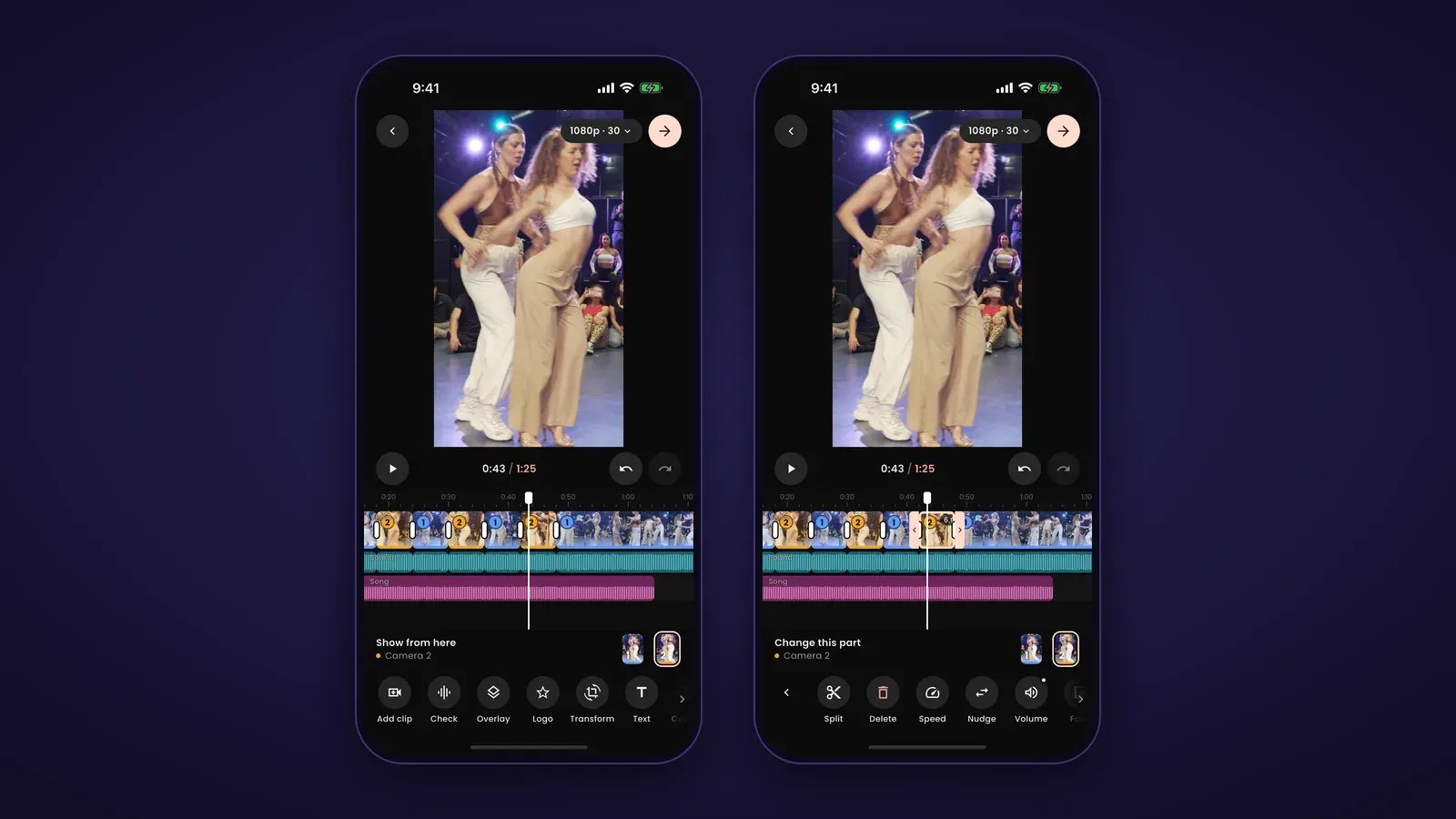
- Check it. In the editor, Check the match lets you slide toward your video's own sound and hear both together, so you can confirm the beats line up.
- Fine-tune if you need to. Adjust sync shows other possible matches, lets you type an offset in seconds or nudge the song frame by frame, and you can drag the song on the timeline by ear. Tempo matches a DJ's faster or slower cut of the song, from 80 to 120 percent.
- Set the balance. Play only the song, or keep some of your video's sound under it. Audience audio separates the crowd's claps and cheers from your video's sound and puts them back under the clean song.
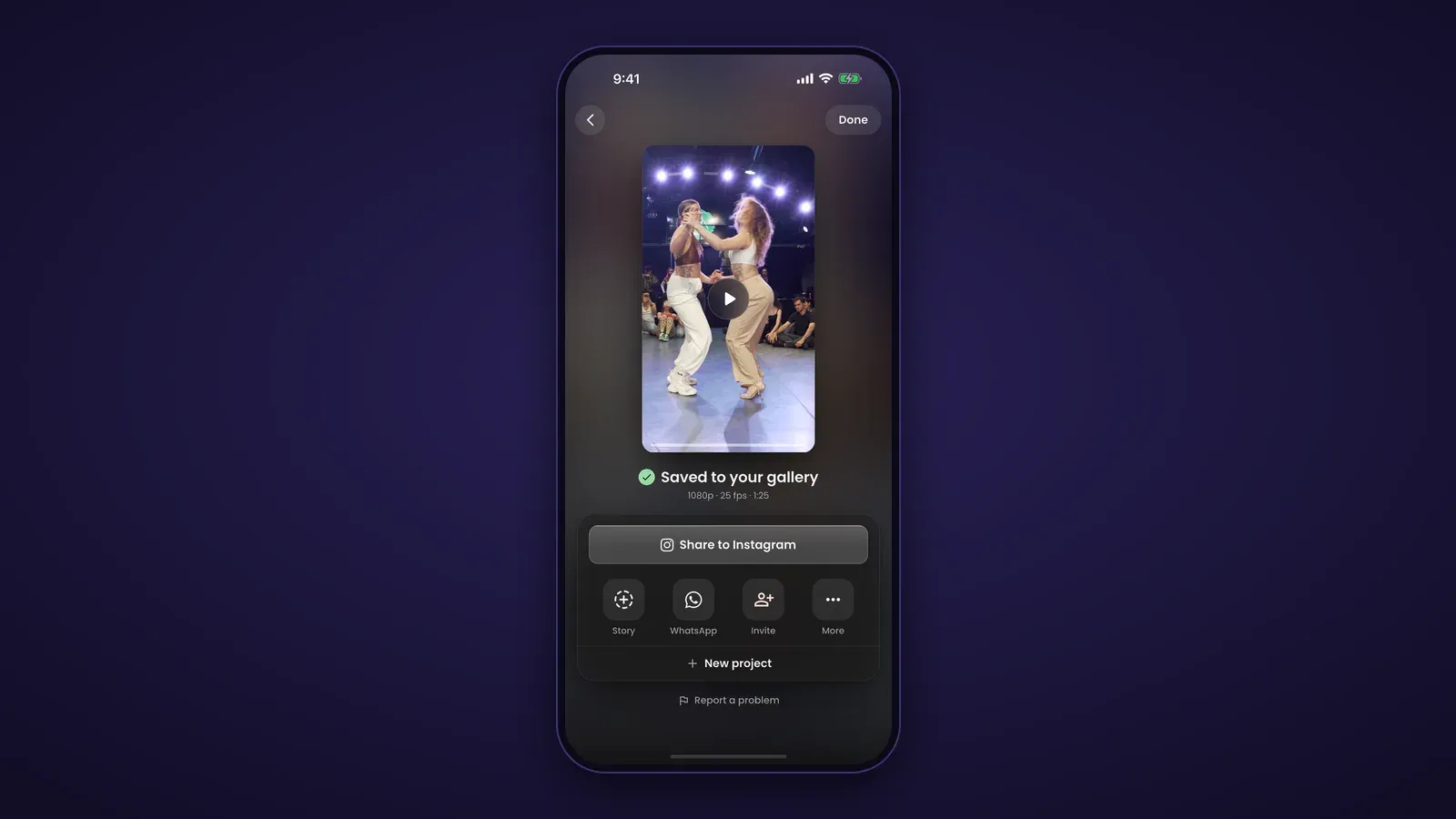
- Edit and save. Trim, split or slow down clips and the song stays in time. Save up to 4K and share to Instagram or your Story.


What doesn't work?
Be honest with yourself about these cases. No app fixes them cleanly.
- Live bands. There is no recording that matches what the band played that night. Keep the original sound.
- DJ edits and mashups. If the DJ played their own edit, the song you add won't match it all the way through. Line it up in sections, or use the DJ's file if they share it.
- Very short clips. A few seconds of loud, distorted sound may not be enough to recognise the song or line it up. Film a bit before and after the moment you want.
- Videos with no sound. Without sound there is nothing to match. Add the song yourself and line it up by eye.
- Songs that aren't recognised. Very new, very local or unreleased songs may not be found. Use your own audio file.
Will Instagram mute my video after I fix the sound?
It can. A clean recording of the song is still copyrighted music, and Instagram recognises it. We cover why it happens and what you can do in why did Instagram mute my dance video?
Frequently asked questions
Can I remove the background noise from my dance video?
You can reduce steady noise like hum or air conditioning, but noise reduction cannot undo distorted bass or loud talking over the music. Replacing the phone's sound with a clean recording of the song works better.
Why does the music go out of sync halfway through my video?
That is drift. The DJ probably played a different version of the song or changed its speed, so the copy you added runs a little faster or slower. Change its tempo, or line it up again after the point where it slips.
How do I keep the cheering in my dance video?
Put the clean song on top and keep a little of the original sound underneath, or separate the crowd from the music and mix it back in. ABCDancer does the second with audience audio.
What if the DJ played a remix?
Use the same remix if you can find it. If you can't, a different version of the song will drift, so line it up in short sections or keep the original sound.
Does fixing the sound stop Instagram from muting my video?
No. A clean copy of the song is still copyrighted music, and Instagram can recognise it.
Related: How to sync two phone videos of the same dance · How to find the name of the song in a dance video · Best video editing apps for dancers · What's new in ABCDancer 3.0
Free to try. Get ABCDancer on the App Store or Google Play.

More from the blog
More from the blog
Why did Instagram mute my dance video?
Instagram mutes dance videos when it recognises recorded music it can't let you use that way. Why it happens, and what you can do about it.
How to sync two phone videos of the same dance
Two friends filmed your dance from different angles? Line the clips up on the music, by hand or automatically, then cut between them.
How to find the name of the song in a dance video
What's the song in this bachata or salsa video? Check the post, use Shazam or Music Recognition, search a lyric, or ask the DJ. What to do when nothing works.
Put the real song under your dance.
ABCDancer finds the song in your video and lines it up on the beat.