
How to sync two phone videos of the same dance
Two friends filmed your dance from different angles? Line the clips up on the music, by hand or automatically, then cut between them.
 Costi Mihai6 min read
On this page
To sync two phone videos of the same dance, use the music. Both phones heard the same song, so put the clips on two video tracks in an editor, find a sharp moment in the song you can hear in both (a hit, the first beat after a break), and slide one clip until that moment lines up. Then keep one sound and cut between the angles. ABCDancer can line up the second angle for you.
This is about clips that are already filmed: a friend on one side of the floor, another on the other side, nobody pressed a button at the same time, and nobody clapped at the start. Apps that record several phones live don't help here. The song does.
Why can't you just start both clips at the same time?
Because the phones didn't start at the same time. One friend pressed record during the intro, the other halfway through the first phrase. If you put both clips at zero, one angle is several seconds ahead of the other, and when you cut between them the dancers jump.
The good news: both phones heard the same music from the same speakers, at the same moment. That shared sound is your sync point. It's the same idea as the clap at the start of a film shoot, except the song gives you hundreds of claps.
How do you sync two angles by hand?
You need an editor with at least two video tracks. On a phone that is usually an overlay or picture-in-picture track. Desktop editors such as Premiere Pro, Final Cut Pro and DaVinci Resolve can also line up clips by their sound automatically, which saves steps 3 and 4.
- Pick the main angle. Use the clip that covers the whole dance and has the clearest sound. Put it on the main track.
- Add the second angle on the track above it, and mute it for now.
- Find a landmark in the song. A drum hit, a break and the beat after it, or a vocal that starts alone. Note the exact moment in the main clip.
- Slide the second clip until the same landmark lines up. Use the waveforms if your editor shows them: a hit makes the same spike in both. Then unmute it briefly: if you hear an echo, they are still a little apart. Nudge a frame at a time until the echo disappears.
- Check a visual moment too. A dip, the end of a spin or a stamp should happen at the same instant in both. If the sound lines up but the move doesn't, trust the picture: sound takes a moment to cross a big room, so a phone far from the speakers hears the music a little later than one close to them.
- Check the end. If the clips are in time at the start but not at the end, one phone probably recorded at a changing frame rate. Line them up again after the next cut.
- Cut between them. Split the top clip and delete the parts where you want the main angle to show. Where the top clip is, it shows; where it isn't, you see the main angle.
- Keep one sound. Mute the second angle for the whole video. Two phones' sound played together gives a doubled, echoey mix.
Done by hand, steps 3 to 5 take the longest, and they need doing again after any cut where the angles slip.
Which sound should you keep?
One. Either the phone closest to the music, or neither: replace both with a clean recording of the song, lined up with your dance. The second option sounds far better, and it's how most dancers fix a video filmed at a social. The how-to, plus what to do when it drifts, is in how to fix the sound on a social dance video.
How does ABCDancer sync a second angle?
ABCDancer uses the same idea, with the song it found as the sync point.
- Pick the first video. The app finds the song and lines a clean recording of it up under your dance.
- Tap Add another angle in the editor and pick the second video. ABCDancer lines it up on the song and tells you when it's synced.
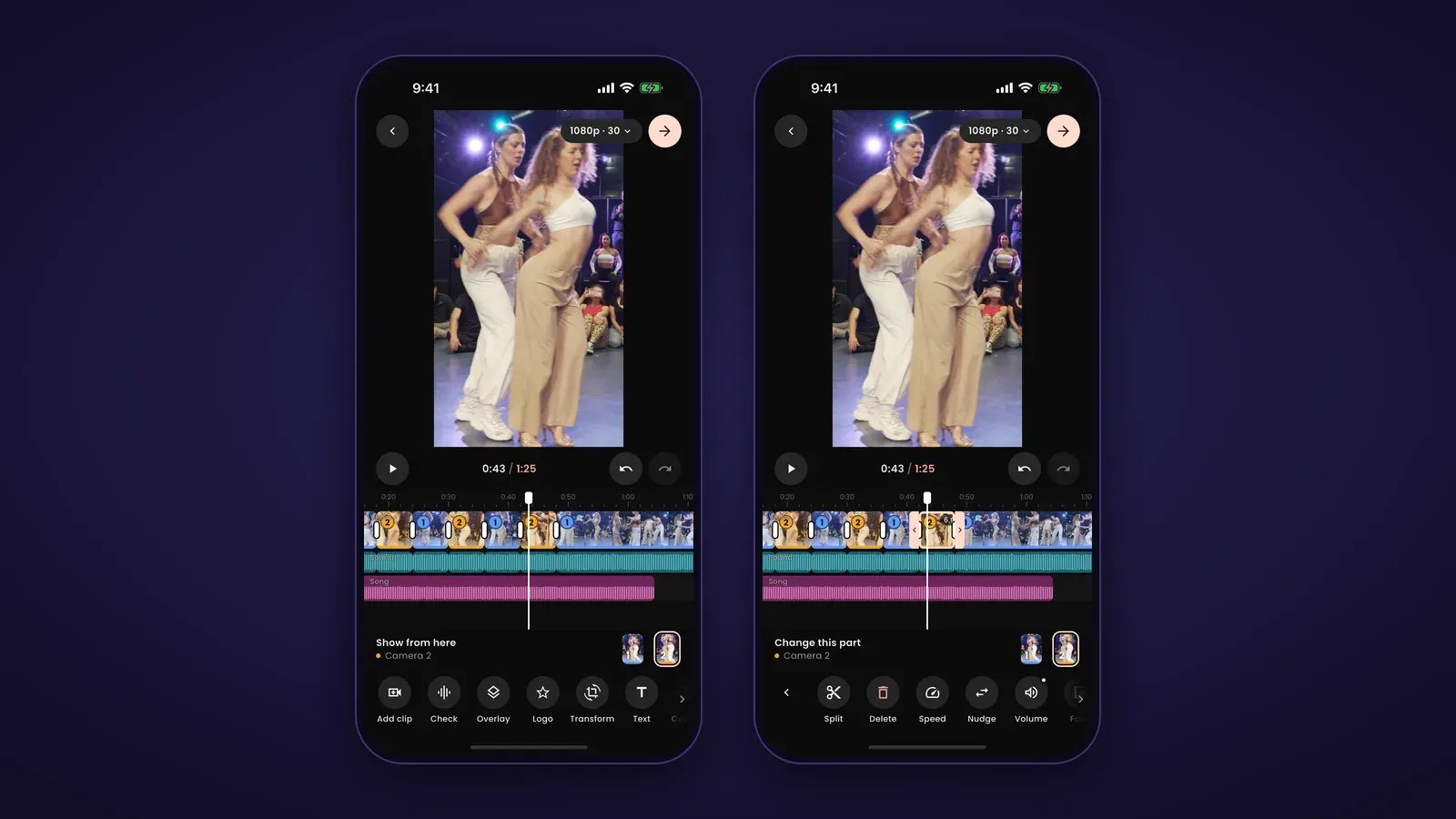
- Choose which camera shows. Move the playhead and tap a camera in the camera bar to Show from here, or change one part to the other camera. The cut lands exactly on the same moment of the dance.
- The sound stays simple. The clean song plays over every angle, and camera 1's own sound can sit under it if you want some of the room.
- Let AI edit cut for you if you like: type "switch between the cameras every 4 seconds" and adjust from there.


You can add more than two angles, up to the limit the app shows when there's no room for another.
What doesn't work?
- A clip with no sound. There is nothing to match. Line it up by eye on a clear move.
- Clips that don't overlap. If one phone stopped before the other started, there is no shared moment to sync on. Each clip still works on its own.
- Different songs. If the two clips were filmed during different songs, they aren't the same dance.
- A clip that starts before the song. If the second angle's synced place falls before the start of your video, move it by hand or trim the start.
How do you film two angles better next time?
- Start both phones before the first beat, and keep recording until after the last.
- Don't stop and restart in the middle of the song. One long clip is much easier to line up than three short ones.
- Pick different shots. One wide, from where the whole couple and the feet are in frame, and one closer, from the other side.
- Film the same way up. Both vertical or both horizontal, so the cuts don't jump in shape.
- Ask first. Agree with the couple you're filming, and with anyone else who will clearly be in the shot.
Frequently asked questions
Can I sync two dance videos if nobody clapped at the start?
Yes. The song works as the clap. Line the clips up on a sharp moment in the music that both phones heard, such as a hit or the first beat after a break.
Do both phones need to be the same model?
No. An iPhone and an Android phone can be lined up the same way, because you match the sound, not the camera.
Why do my two angles slowly go out of sync?
One phone probably recorded with a changing frame rate, which is common in dark rooms. Line them up again after a cut, or export the clip again before editing.
Which sound should I keep when I combine two angles?
Keep one sound for the whole video, usually from the phone closest to the music, or replace both with a clean recording of the song. Mixing both phones' sound gives an echo.
Can ABCDancer line up the second angle automatically?
Yes. Tap Add another angle and ABCDancer lines the second video up on the song. If it can't, for example because that video has no sound, you move it by hand.
Related: How to fix the sound on a social dance video · What's new in ABCDancer 3.0 · Best video editing apps for dancers
Free to try. Get ABCDancer on the App Store or Google Play.

More from the blog
More from the blog
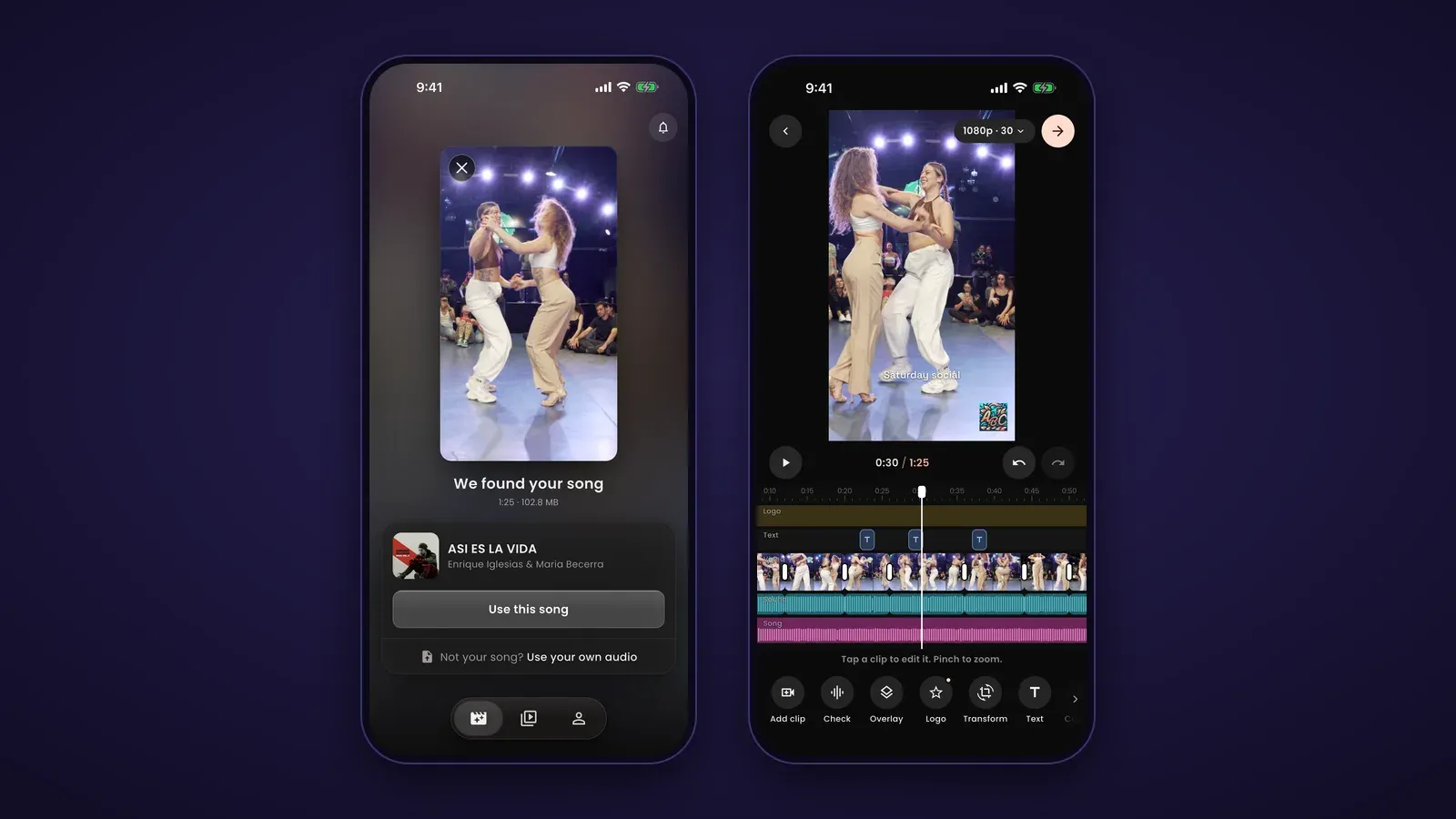
How to fix the sound on a social dance video
Why social dance videos sound bad, and how to fix it: put a clean recording of the song under your dance, line it up, and fix offset and drift.
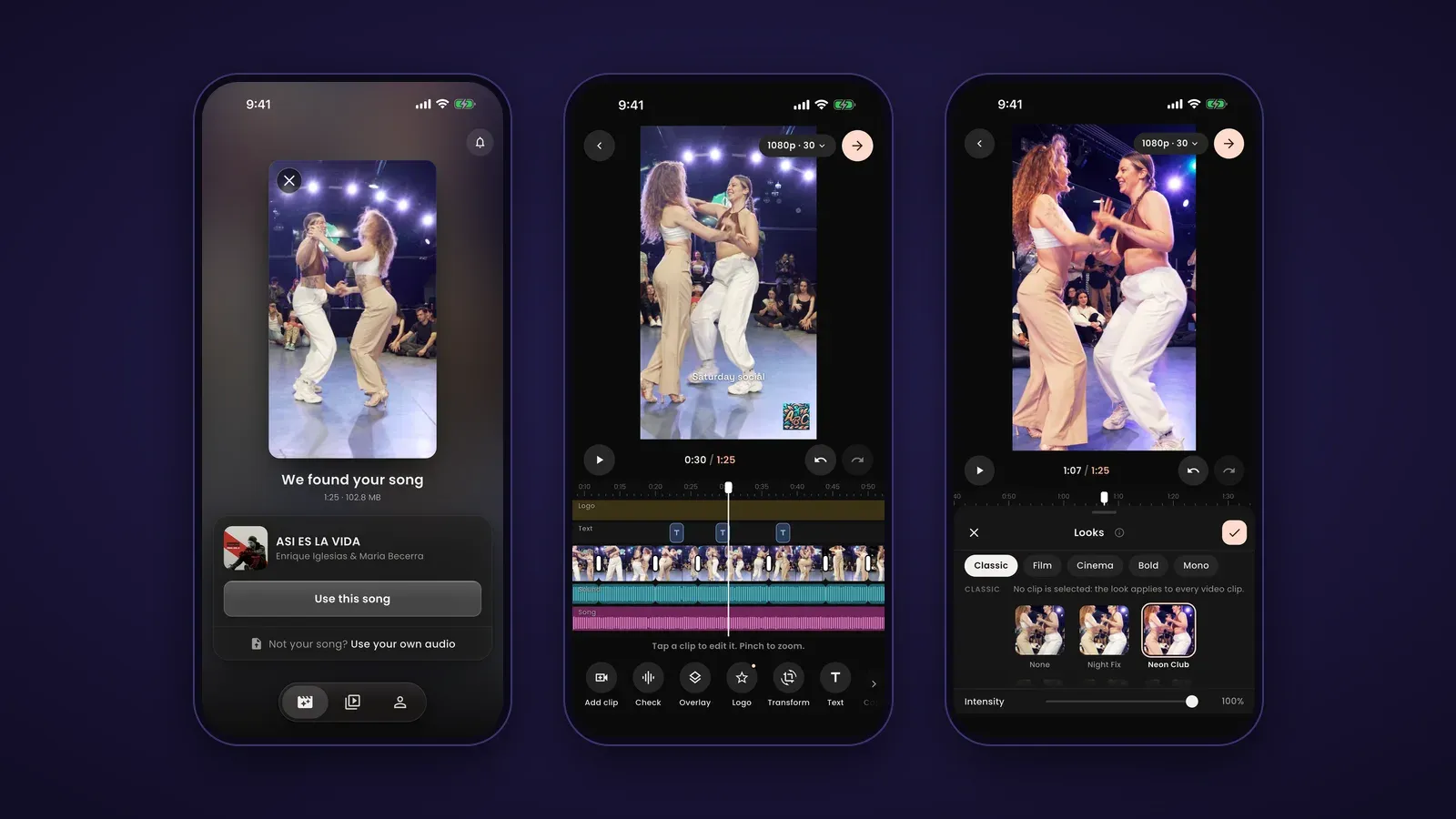
What's new in ABCDancer 3.0
ABCDancer 3.0 changelog: the song synced to your dance, plus clips, transitions, looks, keyframes, lyrics with English, two camera angles, AI edit and 4K saves.
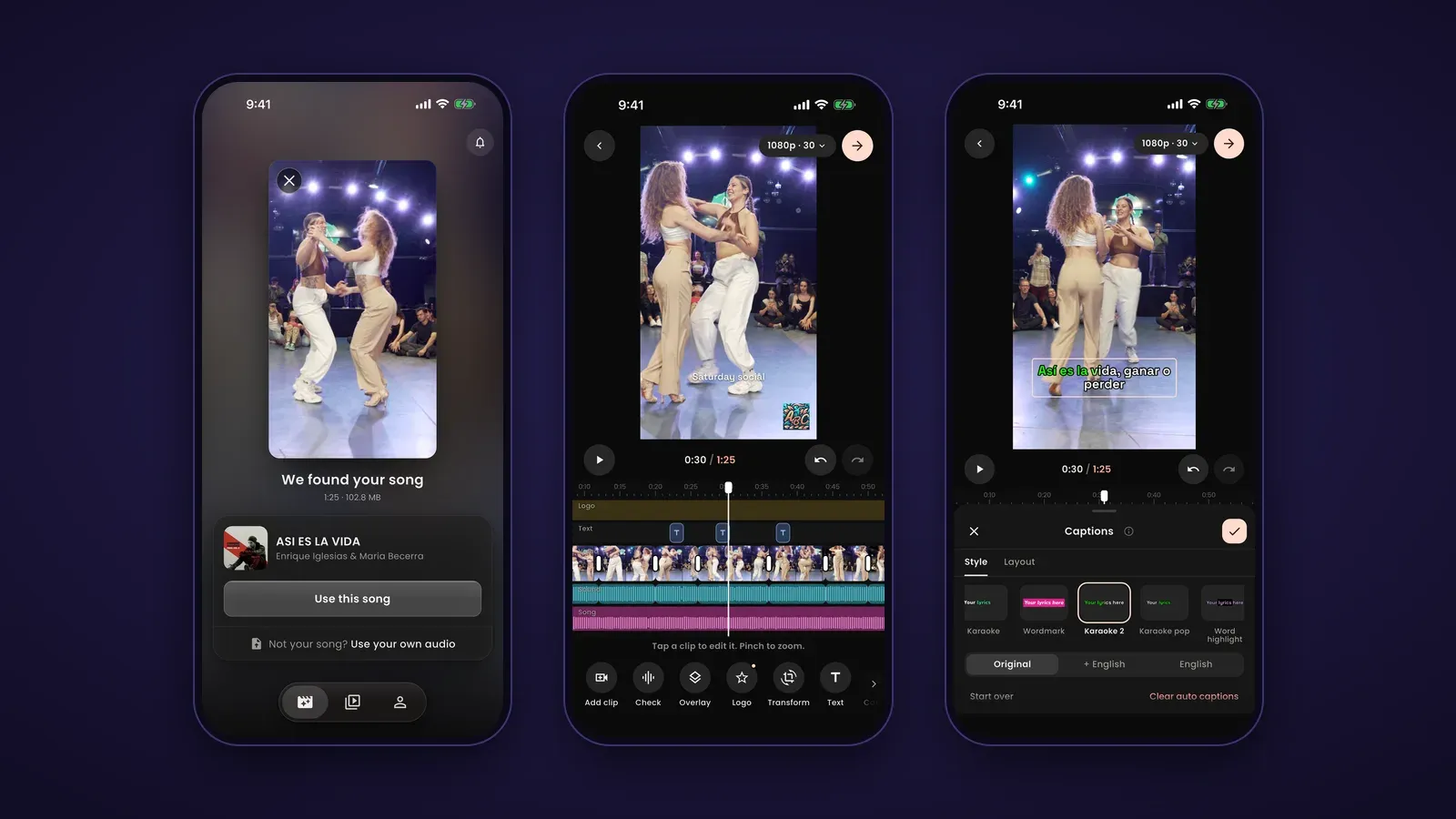
Best Video Editing Apps for Dancers in 2026
ABCDancer, CapCut or Instagram? A fair 2026 comparison of video editors for dancers: song sync, sound quality, editing tools and price.
Put the real song under your dance.
ABCDancer finds the song in your video and lines it up on the beat.